
Repetitive Strain Injury Prevention: Helpful Tips for Desk Workers That Make a Real Difference

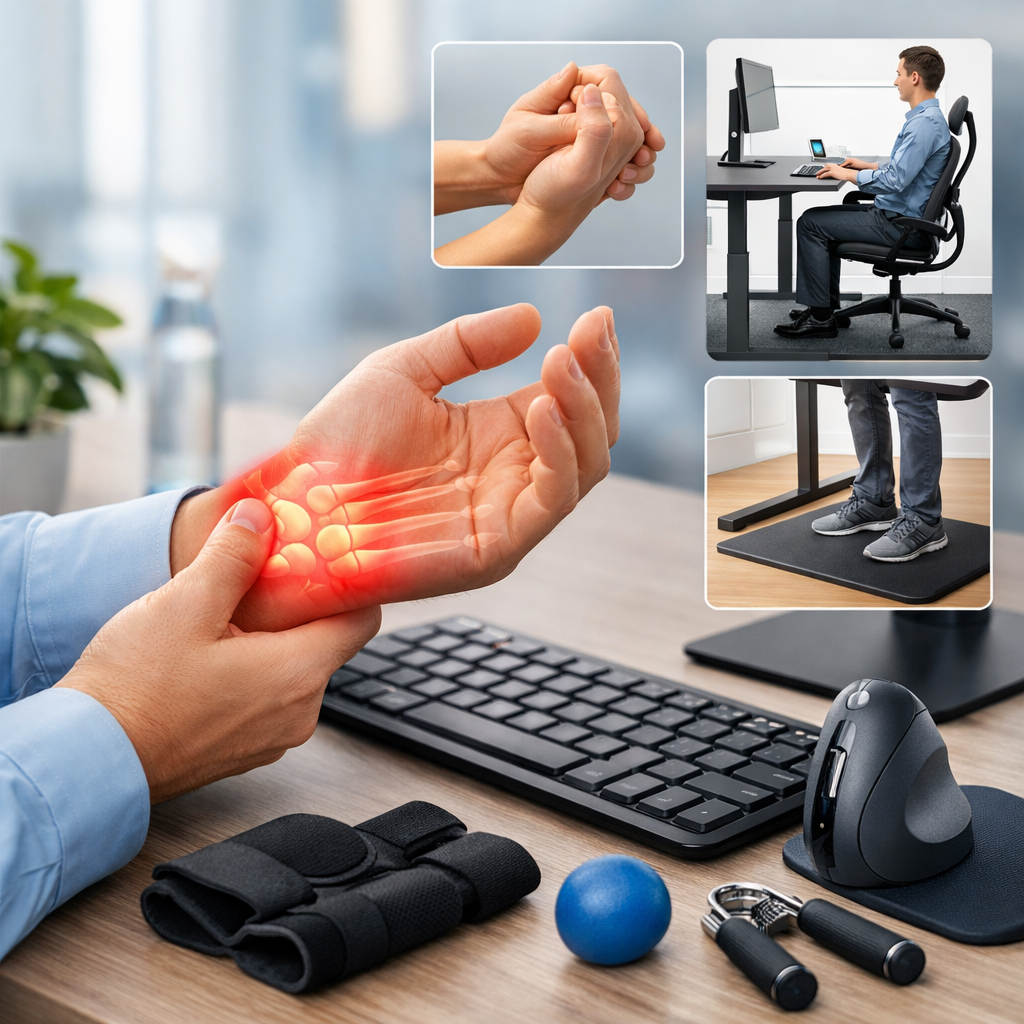
Repetitive strain injury prevention starts with understanding how small, repeated movements affect the body over time.
For desk workers, hours of typing, clicking, scrolling, and sitting in one position can gradually lead to pain in the wrists, hands, shoulders, neck, and back. These problems often build slowly, which is why many people ignore the early warning signs until discomfort begins to affect work and daily life.
The good news is that effective repetitive strain injury prevention does not usually require major changes. Better posture, smarter work habits, and a few workstation adjustments can reduce strain significantly.
Whether you work from home or in a busy office, the right setup and routine can help protect your muscles, tendons, and joints while improving comfort and focus.
- Why repetitive strain injury prevention matters for desk workers
- Posture and repetitive strain injury prevention at your workstation
- Work habits that support repetitive strain injury prevention
- Practical repetitive strain injury prevention tips that make a big difference
- Building a long-term repetitive strain injury prevention routine
Why repetitive strain injury prevention matters for desk workers
Repetitive strain injuries, often called RSIs, develop when the same movement or posture is repeated too often without enough recovery time. Common desk-related examples include tendon irritation from typing, wrist pain from poor mouse use, and shoulder tension caused by reaching forward all day.
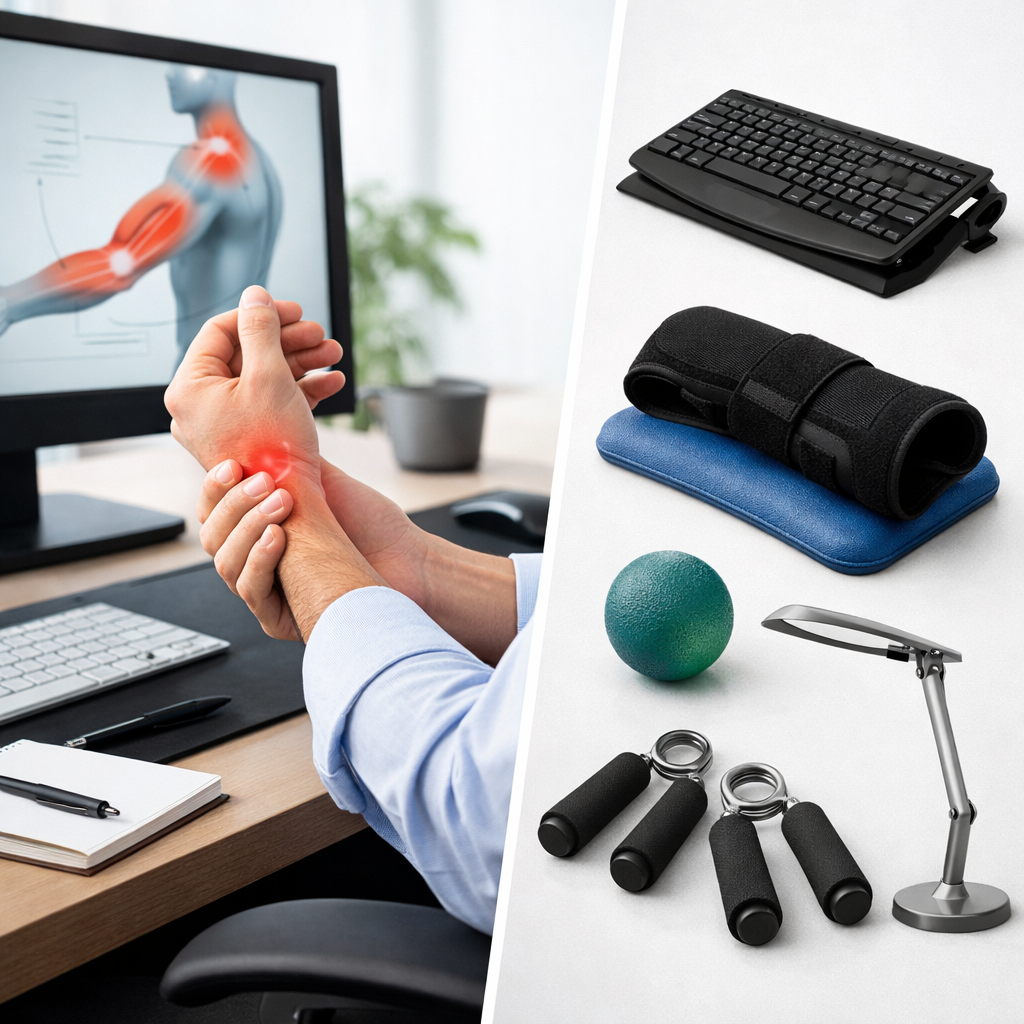
These injuries are a real workplace health issue. Organizations such as CCOHS and OSHA both emphasize ergonomics, task design, and early intervention as important controls for reducing musculoskeletal strain.
Typical symptoms can include:
- aching or burning in the forearms, wrists, shoulders, or neck
- tingling or numbness in the fingers
- stiffness after long periods at the desk
- reduced grip strength or hand fatigue
- pain that worsens during or after computer work
From an OHSE perspective, desk work may appear low risk, but prolonged static posture and repetitive movement are well-known hazards. In many workplaces, the control measures are simple: adjust the workstation, vary tasks, provide training, and encourage early reporting of discomfort.
That approach aligns with the Hierarchy of Controls in a practical way. While desk work hazards cannot always be eliminated, the risk can be reduced through better equipment, workstation redesign, administrative controls such as breaks and job rotation, and safe individual work practices.
Posture and repetitive strain injury prevention at your workstation
One of the most important parts of repetitive strain injury prevention is setting up your workstation so your body stays in a neutral, supported position. Good posture is not about sitting perfectly still. It is about reducing awkward angles and avoiding unnecessary muscle tension.

Set your chair, desk, and screen correctly
Your chair should support your lower back, and your feet should rest flat on the floor or on a footrest. Knees should generally be around hip level, with shoulders relaxed rather than lifted.
Your screen should be directly in front of you, with the top of the monitor around eye level for most users. If the screen is too low, you are more likely to bend your neck forward. If it is too far away, you may lean in and strain your upper back and shoulders.
Keep your keyboard and mouse close enough that your elbows stay near your sides. Your forearms should be roughly parallel to the floor, and your wrists should remain as straight as possible while typing and mousing.
Use small adjustments that reduce strain
Minor changes often have a bigger effect than people expect. For example, moving the mouse closer can reduce shoulder loading, and raising a laptop with a stand can ease neck tension immediately.
Helpful adjustments include:

- placing frequently used items within easy reach
- using a separate keyboard and mouse with a laptop
- adjusting armrests so they support the arms without forcing the shoulders upward
- centering the keyboard to your body rather than typing at an angle
- reducing screen glare to prevent leaning and squinting
If your organization has workstation self-assessment resources, use them. You may also find practical guidance in your company’s health and safety materials or on an internal page such as your workplace ergonomics guide.
Work habits that support repetitive strain injury prevention
Even a well-designed workstation cannot fully protect you if you stay in the same position for hours. Healthy work habits are essential for long-term repetitive strain injury prevention.
Take short movement breaks often
The body handles movement better than stillness. Instead of waiting for a long break, try adding short pauses throughout the day. Stand up, roll your shoulders, stretch your hands, or walk for a minute after finishing a task or meeting.
Micro-breaks can help reduce muscle fatigue before it becomes pain. A simple pattern is to change position every 20 to 30 minutes, even if only briefly. You can also look away from the screen regularly to reduce eye strain and discourage the forward-head posture that often comes with intense computer work.
Vary your tasks when possible
Task variety is a practical administrative control. If your day includes writing, calls, meetings, filing, or reading, avoid batching all keyboard-heavy work into one long block when possible.
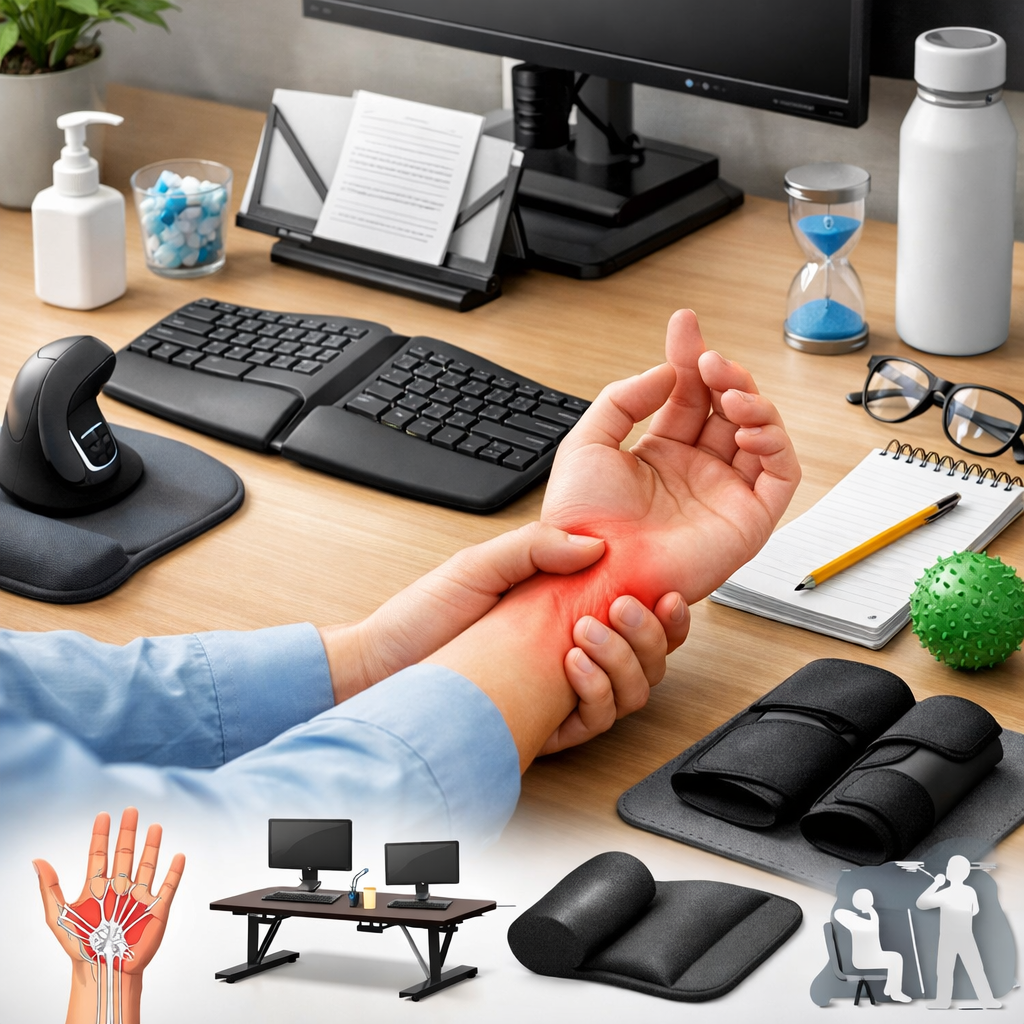
Changing tasks gives overused muscles time to recover. In office settings, this can be as simple as standing during a phone call, reviewing printed notes away from the keyboard, or alternating between typing and other duties.
Pay attention to early symptoms
One of the most effective repetitive strain injury prevention strategies is early action. Mild soreness, tingling, or fatigue should not be ignored, especially if symptoms return regularly.
Report concerns early and review your workstation before discomfort becomes persistent. If your employer has a health and safety process for discomfort reporting, follow it. Early assessment can prevent a small issue from turning into a more serious injury that affects productivity and recovery time.
Practical repetitive strain injury prevention tips that make a big difference
Desk workers often assume prevention requires expensive ergonomic gear, but many of the most useful controls are low cost and easy to apply. What matters most is consistency.
Simple changes with a strong impact
| Adjustment | Why it helps | How to apply it |
|---|---|---|
| Raise the monitor | Reduces neck bending | Use a monitor arm or stable stand |
| Move the mouse closer | Lowers shoulder and upper arm strain | Keep it beside the keyboard, not far to the side |
| Use light key and mouse pressure | Reduces hand and finger loading | Avoid pounding keys or gripping the mouse tightly |
| Alternate between sitting and standing | Decreases static posture fatigue | Use a sit-stand desk if available or stand during calls |
| Schedule brief pauses | Allows tissues to recover | Set reminders every 30 minutes |
These changes are especially useful in home offices, where setups are often improvised. If you work remotely, it is worth reviewing your space with the same care used in a formal office environment.
For more practical support, some employers offer internal ergonomic checklists or discomfort reporting tools such as an office safety checklist. External guidance from the NIOSH ergonomics resources can also help you assess common risks.
Examples of everyday desk habits to improve
Many repetitive strain risks come from habits people barely notice. For example, cradling a phone between the shoulder and ear can aggravate neck strain quickly. Resting wrists sharply on the desk edge can increase pressure, and leaning forward for hours can overload the upper back.
Try replacing those habits with better ones:
- use a headset for frequent calls
- sit back into the chair instead of perching forward
- keep elbows close to the body while typing
- switch mousing hands occasionally if appropriate and comfortable
- stretch gently after intensive computer tasks
If discomfort continues despite workstation changes, seek professional advice through your workplace process or healthcare provider. Persistent symptoms deserve attention, especially if they interfere with sleep, concentration, or normal hand use.
Building a long-term repetitive strain injury prevention routine
The most successful repetitive strain injury prevention plans are simple enough to repeat every day. A good chair setup on Monday will not help much if poor posture, skipped breaks, and awkward reaching return by Wednesday.
Think in terms of routine rather than one-time fixes. Start your day by checking chair height, screen position, and keyboard placement. During the day, change posture often, take brief movement breaks, and notice any signs of tension. At the end of the day, reflect on what felt comfortable and what needs adjustment.
Managers also have a role to play. Training, ergonomic assessments, adjustable equipment, and a culture that supports break-taking can all strengthen prevention. When workers feel comfortable reporting discomfort early, the chance of serious injury drops.
In the end, repetitive strain injury prevention is about making smart, sustainable choices. Better posture, healthier work habits, and small workstation adjustments can make a real difference for desk workers. By acting early and staying consistent, you can reduce strain, improve comfort, and create a safer, more productive workday.
No comments yet