
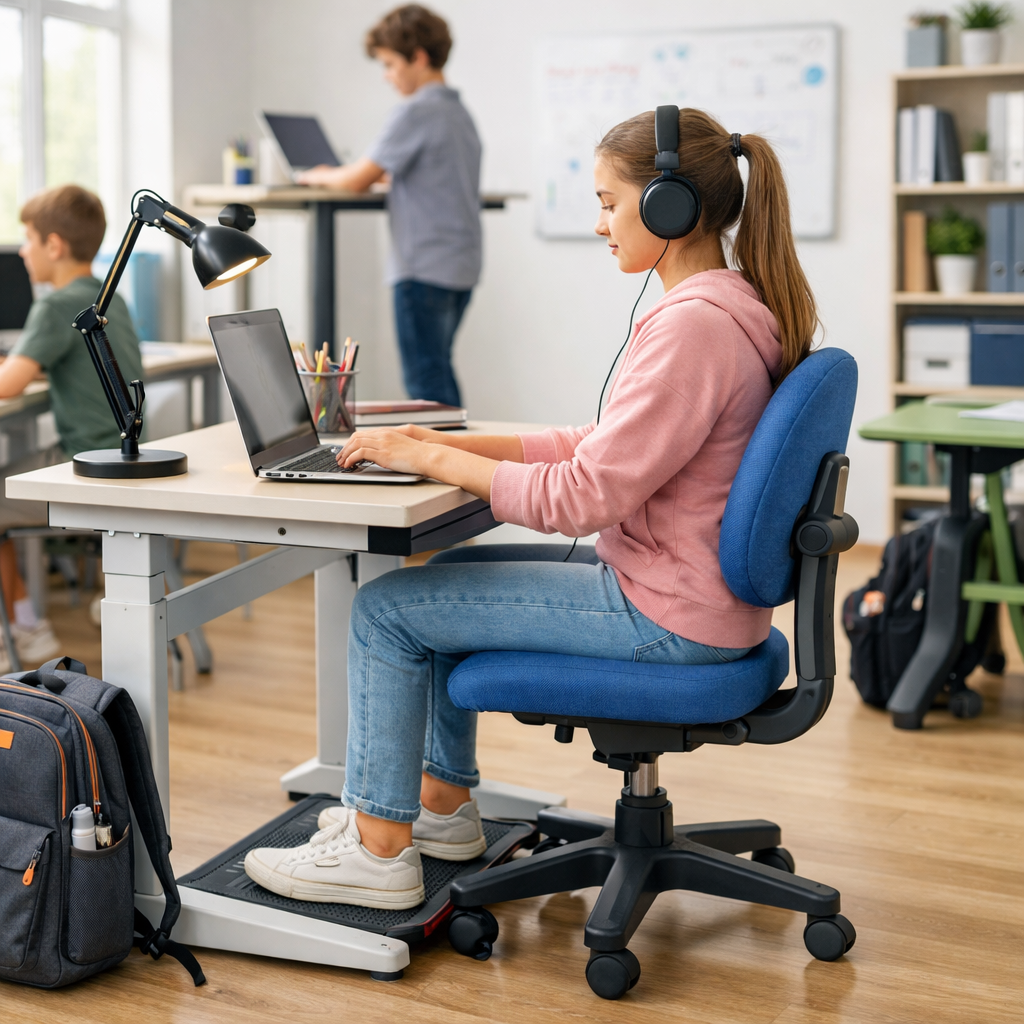

Student ergonomic safety starts with simple daily habits that make studying more comfortable and more sustainable. Whether a student is doing homework at the kitchen table, attending online classes, using a laptop in a dorm room, or working a part-time job after school, posture, screen setup, and movement all affect how the body feels by the end of the day.
For Canadian students, families, schools, and young workers, ergonomic safety is not about creating a perfect workstation. It is about reducing strain, improving focus, and preventing discomfort before it builds into a bigger problem. A practical setup, regular position changes, and realistic routines can support safer learning at home, in class, and at work.
- Why student ergonomic safety matters every day
- Student ergonomic safety for sitting and desk setup
- Student ergonomic safety for screens, devices, and eye comfort
- Movement, backpacks, and study habits that support student ergonomic safety
- How families, schools, and young workers can reinforce student ergonomic safety
Why student ergonomic safety matters every day
Students spend long periods reading, typing, writing, gaming, scrolling, and carrying school materials. These activities seem low-risk, but repetitive motions, awkward body positions, and long sitting periods can lead to neck tension, sore shoulders, tired eyes, wrist discomfort, and back strain.
Student ergonomic safety also matters because study spaces are often improvised. A couch, bed, low coffee table, or poorly sized chair may be convenient for a short time, but they can encourage slouching, bent wrists, unsupported feet, and a forward head position. Over time, that can make concentration harder and study sessions less productive.
In Ontario and across Canada, schools and employers share responsibilities for health and safety, and students also benefit from learning safe work habits early. Guidance from organizations such as CCOHS, the Government of Ontario, and Health Canada supports a prevention-focused approach: identify risks, improve the setup, and change work habits before discomfort becomes routine.
Student ergonomic safety for sitting and desk setup
Build a neutral sitting position
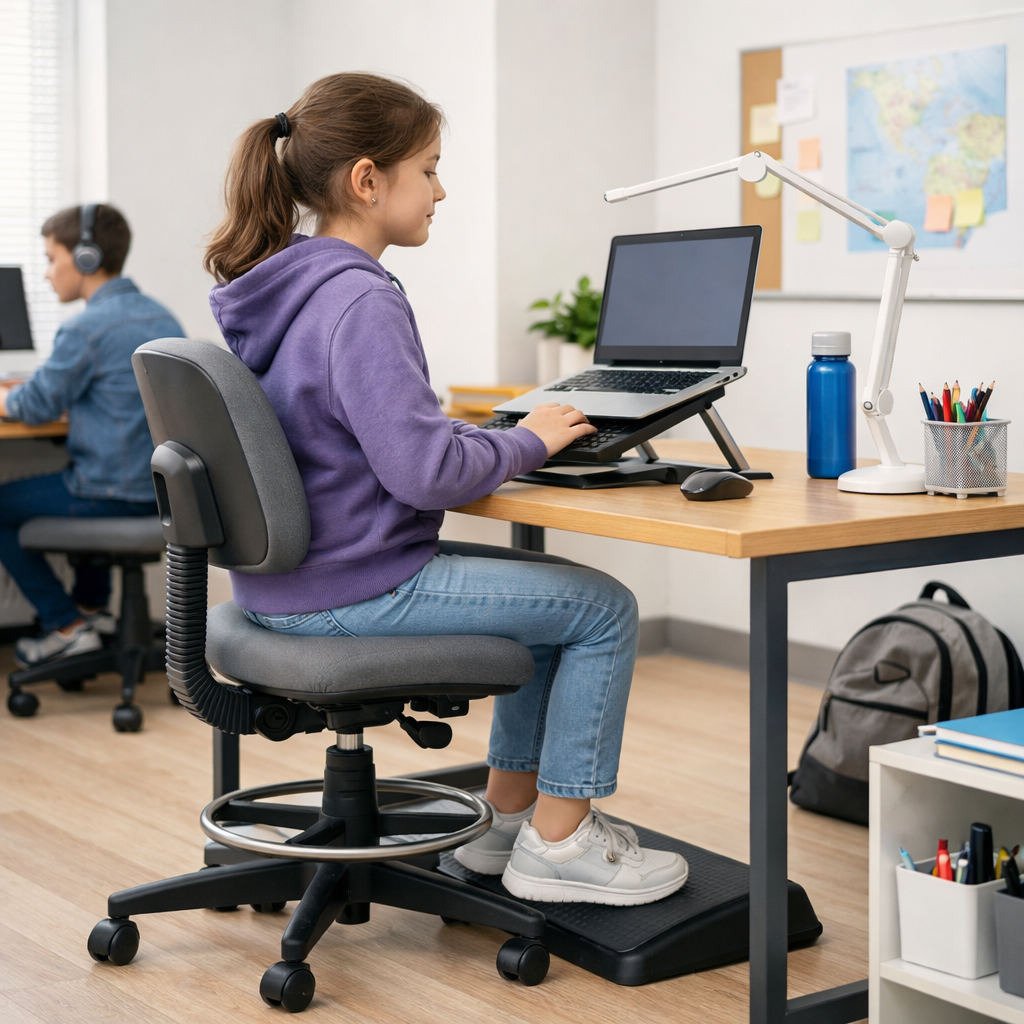
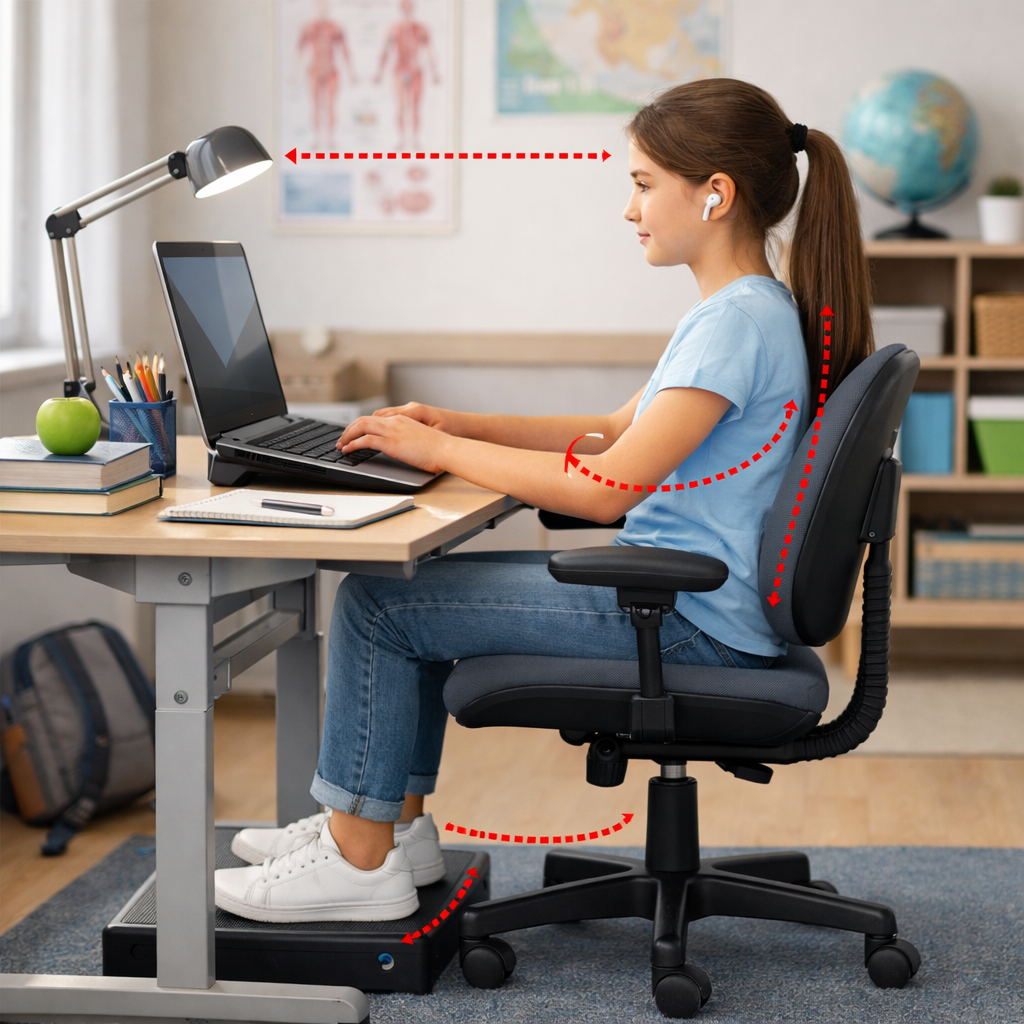
A good study posture is relaxed, supported, and easy to maintain. The goal is not to sit stiffly. Instead, aim for a neutral position where the head, shoulders, arms, and lower back are reasonably aligned and the body is not reaching, twisting, or hunching for long periods.
- Keep feet flat on the floor or on a stable footrest.
- Let knees rest around hip level or slightly lower.
- Use the chair back for support instead of leaning forward for long periods.
- Keep shoulders relaxed, not lifted toward the ears.
- Keep elbows close to the body and wrists as straight as possible.
If the chair is too high, use a footrest. If the desk is too high, raise the chair and support the feet. If the lower back feels unsupported, a small rolled towel or cushion can help. These are simple ergonomic controls that often make a noticeable difference.
Make small changes to common student spaces
Many students do not have a dedicated desk. Student ergonomic safety can still improve with practical adjustments. A sturdy dining chair may be better than a soft couch. A binder or stack of books can raise reading material closer to eye level. An external keyboard and mouse can improve laptop use when the screen is elevated.
Think in terms of the hierarchy of controls. Elimination may not be realistic, but substitution and engineering-style changes often are. For example, replacing bed study sessions with table-based work, or adding a laptop stand and separate keyboard, can reduce awkward neck and wrist positions. Administrative controls also matter: shorter study blocks, movement breaks, and alternating tasks can lower strain.
| Study issue | Common risk | Practical fix |
|---|---|---|
| Laptop flat on desk | Neck bending downward | Raise screen and use external keyboard and mouse |
| Feet dangling from chair | Pressure on legs and unstable posture | Use a footrest or firm box |
| Studying on a bed | Rounded back and unsupported neck | Move to a table or desk for longer sessions |
| Writing with bent wrist | Hand and wrist discomfort | Reposition paper and relax grip |
Student ergonomic safety for screens, devices, and eye comfort
Place screens to reduce neck and eye strain
Screen habits are a major part of student ergonomic safety. The top area of the screen should usually be at or slightly below eye level, depending on the task and the student’s comfort. The screen should be directly in front of the user, not off to one side, so the neck does not stay rotated for long periods.
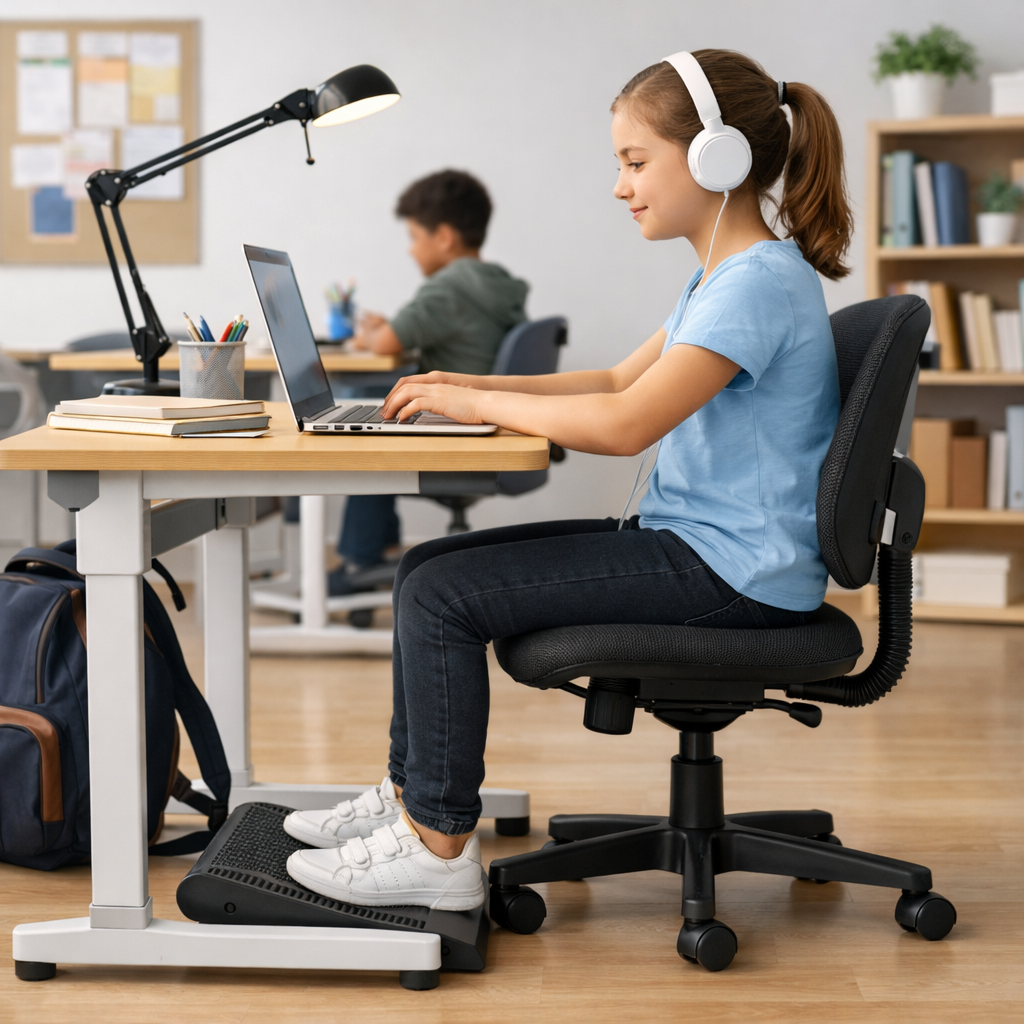
Glare is another common issue. Position screens to reduce reflections from bright windows or overhead lights. Increase text size when needed instead of leaning in. If a student uses more than one screen, place the main screen directly ahead and keep frequently used items within easy reach.
Use phones and tablets more carefully
Phones and tablets often cause a downward head position and cramped arm posture. For short tasks, this may be manageable, but longer reading or schoolwork is usually better on a laptop or desktop setup. If a tablet must be used for class or homework, a stand can reduce neck bending, and an external keyboard can improve hand position.
Students should also avoid gripping devices tightly for long periods. Changing hands, setting the device down, or using voice features where appropriate can reduce repetitive strain. Families and schools can support student ergonomic safety by encouraging device variety instead of doing every task on a phone.
Protect eyes and attention with better routines
Eye comfort is part of ergonomic safety. Long visual focus can lead to tired eyes, dry eyes, and headaches. A simple routine helps: blink regularly, look away from the screen at intervals, and adjust brightness for the room. Reading printed material on a sloped surface or stand may also be more comfortable than reading flat on a desk.
Students who split time between school and part-time work may need extra attention to recovery. If schoolwork involves screens and a job also involves checkout systems, phones, or tablets, the total daily exposure increases. That is a good reason to plan breaks and rotate tasks where possible. More practical workplace safety guidance is available at OHSE.ca and training support may be helpful through learn.ohse.ca.
Movement, backpacks, and study habits that support student ergonomic safety
Break up sitting and static posture
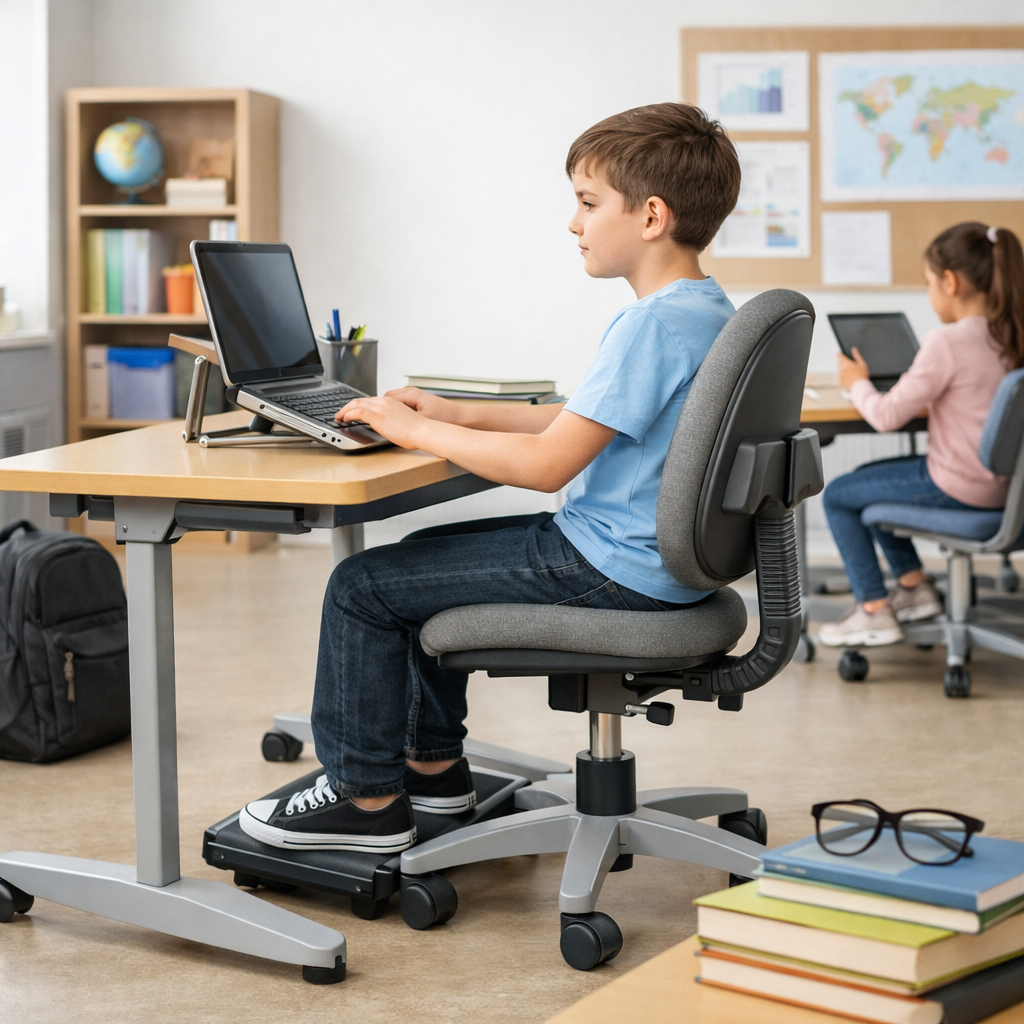
Even a well-set workstation is not healthy if a student stays in one position for too long. Student ergonomic safety improves when sitting time is interrupted with short movement breaks. Standing up, stretching gently, walking to refill water, or switching from typing to reading can help the body recover.
A useful rule is to change position regularly rather than waiting until discomfort appears. Students can stand during a reading section, walk during an audio review, or do handwriting tasks after screen-heavy work. Teachers and families can reinforce that movement supports attention rather than interrupting it.
Carry school materials more safely
Backpacks are another everyday ergonomic concern. A bag that is too heavy or worn on one shoulder can strain the neck, shoulders, and back. Use both shoulder straps, keep heavier items close to the back, and remove items that are not needed that day. If available and practical, a locker or organized storage area can reduce repeated carrying.
Young workers who move between school and work should think about the total load they carry, including laptops, sports gear, lunch bags, and work items. The safest approach is often to reduce the load first, then improve how it is carried.
Short actionable checklist
- Set up the study space so the screen is in front of you and easy to see.
- Keep feet supported and shoulders relaxed.
- Use books, stands, or accessories to improve height and reach.
- Take regular movement and eye breaks.
- Avoid doing long study sessions on a bed or couch.
- Use both backpack straps and lighten the load when possible.
- Follow school, workplace, manufacturer, or emergency guidance where applicable.
How families, schools, and young workers can reinforce student ergonomic safety
Good ergonomic habits are easier to maintain when adults and organizations support them. Parents can help by checking whether a study area fits the student’s size and tasks. Schools can remind students to change positions, organize classrooms to reduce awkward reaching, and encourage safer device use. Employers of students and young workers can include workstation basics in orientation, especially for office, retail, cashier, reception, and hybrid roles.
It is also important to keep expectations realistic. Not every student will have an ideal desk, premium chair, or separate monitor. Student ergonomic safety is still achievable with low-cost adjustments, awareness, and regular movement. The most effective changes are often the simplest ones: better screen height, supported feet, lighter bags, and fewer hours in one position.
In the end, student ergonomic safety is about prevention, comfort, and sustainable routines. Better sitting, smarter studying, and healthier screen habits can reduce strain at school, at home, and on the job. Start with one or two changes today, review the setup regularly, and follow local school, workplace, manufacturer, or emergency guidance where needed to keep student ergonomic safety practical and effective.
No comments yet